AWS Load Balancer Cost Optimization: Retire Safely
AWS load balancer cost optimization starts with evidence: trace targets, DNS, and service dependencies before retiring a low-traffic ALB or NLB.
· 10 min read
AWS load balancer cost optimization starts with evidence: trace targets, DNS, and service dependencies before retiring a low-traffic ALB or NLB.
You might look for empty traffic graphs when hunting for cloud waste. While an unused endpoint makes a prime candidate for cleanup, the absence of registered requests does not automatically mean the resource is abandoned. Identifying the right action requires understanding how AWS bills for these services, how traffic metrics behave under specific conditions, and where dependencies hide in connected architecture. Choosing between retaining, redesigning, or removing a resource depends on a clear operational picture.
Start With the Cost Model, Not a Deletion Target
Zero traffic does not equal zero cost for AWS load balancers. According to the AWS Elastic Load Balancing pricing documentation, both Application Load Balancers and Network Load Balancers incur charges for running hours, including partial hours. An idle endpoint left running for a month generates a baseline charge regardless of whether a single packet crosses its listeners.
Beyond the baseline running time, costs scale based on capacity units. For an ALB, Load Balancer Capacity Units (LCU) measure the highest usage across four dimensions: new connections, active connections, processed bytes, and rule evaluations. If you configure a complex set of listener rules, a moderate amount of traffic might trigger higher LCU consumption based on the rule evaluation dimension alone. Trimming those rules or migrating traffic to another endpoint reduces the LCU portion of your bill, but the runtime charge remains unaffected as long as the ALB exists.
Network Load Balancers operate on a similar model using Network Load Balancer Capacity Units (NLCU), which measure new flows, active flows, and processed bytes. Like the ALB, an NLB continues to accumulate running-hour charges even when all flows cease.
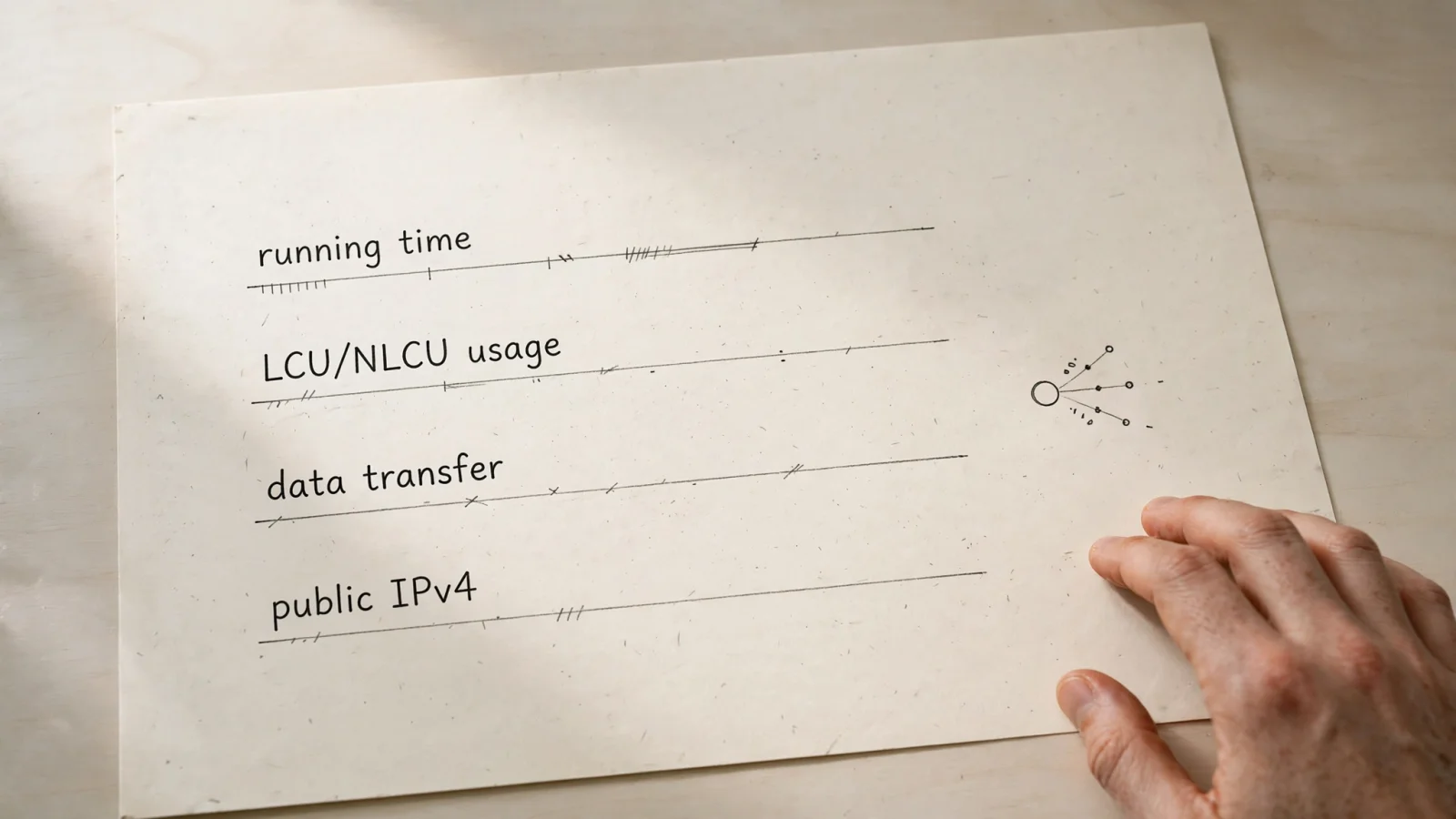
Public IPv4 addresses and standard data transfer create additional line items. AWS charges for public IPv4 addresses assigned to load balancers, adding a fixed hourly rate per IP. Standard AWS data transfer charges, such as data transfer out to the internet, apply on top of ELB charges; traffic between an ALB and its targets over private IPs in the same VPC is free, while an NLB with cross-zone load balancing turned on pays inter-AZ data transfer. Estimating your total expense means looking at your specific AWS Region and account usage rather than relying on a generalized monthly price.
A reliable planning estimate adds the avoided load-balancer runtime charge, the avoided LCU or NLCU usage, and any associated public IP or data-transfer costs, then subtracts the cost of a replacement endpoint or shared capacity. Do not include backend compute savings in this ELB-specific calculation unless you plan to explicitly shut down those attached EC2 instances or containers at the same time.
FinOps AI gives you multi-cloud cost visibility for this analysis: spend across your AWS accounts and Google Cloud projects in one workspace, split by tag, with budgets alongside. It does not raise a finding for idle load balancers, and the AWS changes it can run do not include retiring one, so the inventory and dependency checks below are yours to run.
Treat Low Traffic as Evidence, Not a Verdict
Before declaring a load balancer orphaned, define a representative observation window. Because AWS does not set a universal timeframe for declaring a resource inactive, choose an observation period that covers the service's normal operating cycle.
A two-week quiet period might seem conclusive, but it easily misses scheduled batch jobs running at the end of the month. Disaster recovery environments often sit entirely idle until a failover event occurs. Seasonal workloads, release pipelines, and internal administrative tools also exhibit long periods of inactivity punctuated by sudden spikes. Gather metrics across a window wide enough to capture these expected anomalies.
Read ALB Metrics in Context
CloudWatch paints an incomplete picture if you only look at a single graph. AWS documentation on ALB CloudWatch metrics notes that metrics are reported only when requests flow, and health-check requests are explicitly excluded. The primary metric you likely check is RequestCount, which increments only when the load balancer can successfully choose a target.
If a target group has no registered targets, the ALB cannot choose a target and answers HTTP 503, so RequestCount stays empty even if clients are actively attempting to reach the endpoint; check HTTPCode_ELB_503_Count instead. If every registered target fails its health checks, the ALB fails open and still routes requests to them. A missing or low RequestCount graph establishes that requests are not reaching backend instances, but it does not prove the listener is abandoned.
You must inspect listener actions to complete the picture. An ALB might be configured to return a fixed response, such as a maintenance page, or to redirect HTTP traffic to HTTPS, neither of which routes traffic to a target group. Instead, evaluate HTTP_Redirect_Count and HTTP_Fixed_Response_Count, which count successful redirect and fixed-response actions, and HTTPCode_ELB_4XX_Count or HTTPCode_ELB_5XX_Count for errors the load balancer itself generates.
Read NLB Metrics in Context
Network Load Balancers require a different set of observations. Review ActiveFlowCount and NewFlowCount over your chosen window, applying target-group dimensions where available to see exactly which backend resources are receiving flows.
According to the NLB CloudWatch metrics documentation, the ProcessedBytes metric excludes health-check traffic. For NLBs with security groups, the documentation also lists SecurityGroupBlockedFlowCount metrics for rejected inbound and outbound ICMP, TCP, and UDP traffic. Check those blocked-flow metrics alongside VPC Flow Logs or client-side monitoring when investigating failed connections.
Trace the Load Balancer to Its Targets
Validating an endpoint requires mapping the path from the load balancer down to the individual compute resources. A visual dashboard provides a summary, but command-line tools return the precise Amazon Resource Names (ARNs) needed for an audit trail.
Start by listing the load balancers in the account, and once you identify a low-traffic candidate, retrieve its listeners:
aws elbv2 describe-load-balancers
aws elbv2 describe-listeners --load-balancer-arn <load-balancer-arn>
For an Application Load Balancer, the listener alone provides an incomplete picture. Inspect the rules attached to that listener to understand how traffic is divided among multiple target groups based on paths or headers:
aws elbv2 describe-rules --listener-arn <listener-arn>
Next, identify the target groups associated with the load balancer.
aws elbv2 describe-target-groups --load-balancer-arn <load-balancer-arn>
Finally, check the health of the targets registered to those groups.
aws elbv2 describe-target-health --target-group-arn <target-group-arn>
This sequence reveals exactly what the endpoint connects to, though for Network Load Balancers, the rules command matters only on dual-stack NLBs, which can carry source-IP listener rules; otherwise inspect the listener's default action and target groups directly.
Finding an empty target group or inactive targets serves as a signal to investigate further, rather than a guarantee the endpoint has no owner. Development teams sometimes drain targets during maintenance or testing and forget to repopulate the group. Furthermore, the ELBv2 API enforces strict dependencies during cleanup. Because you cannot delete a target group while any listener action still references it, either delete the load balancer first (which also deletes its listeners) or remove the referencing listener actions, and only then delete the target groups.
Check DNS and Managed-Service Dependencies
Tracing the backend targets covers only half of the architectural dependencies. You must also trace the references pointing to the load balancer from the outside, because removing an ELB while DNS records still point to it results in client timeouts and application errors.
Route 53 supports alias records that resolve directly to Application, Classic, and Network Load Balancers. Search your hosted zones for the load balancer's DNS name, keeping in mind these zones might exist in a completely different AWS account managed by a central networking team. Check external DNS providers and hardcoded client configurations as well. If you replace an NLB with a new endpoint, point the DNS record to the new location and wait for the time-to-live expiration to take effect before deleting the old load balancer.
Network Load Balancers can back AWS PrivateLink endpoint services, which let service consumers connect privately through interface VPC endpoints. The AWS PrivateLink documentation says an NLB can be associated with one endpoint service, while an endpoint service can use multiple NLBs, so check whether a quiet NLB still backs a service before treating it as abandoned.
Modern container orchestration introduces another layer of ownership. The AWS Load Balancer Controller creates and manages ELBs automatically for Kubernetes Service and Ingress resources. If you trace a load balancer back to an Amazon EKS cluster, do not delete the resource directly through the AWS console or CLI. The controller will eventually detect the missing resource and attempt to recreate it, or throw continuous reconciliation errors. Instead, make the change through the owning Kubernetes object. FinOps AI can show Kubernetes workload costs next to the rest of your cloud spend.
Infrastructure-as-code deployments face a similar constraint: deleting an endpoint managed by AWS CloudFormation directly through the EC2 console creates drift. The stack state no longer matches the deployed reality, complicating future updates or stack deletions. Always retire these resources by updating the owning template and executing a stack deployment.
Choose the Right Action: Retire, Retain, or Redesign
Not every idle resource should be destroyed. Evaluating the evidence allows you to categorize endpoints into actionable paths. This decision framework helps platform engineering and finance teams align on the appropriate next steps.
| Observation Context | Architectural Dependency | Recommended Action |
|---|---|---|
| Zero traffic over 30+ days, empty target groups, no DNS references found. | None. Resource was spun up for a completed proof-of-concept. | Retire. Remove listeners, target groups, and the ELB to eliminate running-hour charges. |
| Zero traffic recently, but endpoint backs a secondary region VPC. | Disaster recovery or failover routing. | Retain. The running cost is the price of high availability. Ensure backend scale-in policies are aggressive. |
| Moderate traffic, but metrics show overlapping listener rules with another ALB. | Consolidatable HTTP/HTTPS application workloads. | Redesign. Merge listener rules into a single shared ALB using path-based routing, then retire the redundant ALB. |
| Low-volume HTTP(S) traffic on an ALB that uses no host, path or header rules. | Workload needs only transport-layer forwarding, which an NLB with a TCP or TLS listener provides. | Redesign. Migrate to an NLB for TCP/UDP workloads if appropriate, but do not swap solely for price differences. |
Retain endpoints that serve an intentional purpose despite their low volume. Internal administrative panels, PrivateLink providers, and seasonal workloads justify their running-hour costs by fulfilling operational requirements.
When a replacement or redesign is on the table, compare the technical architecture before comparing the price. ALBs serve application-layer HTTP and HTTPS traffic, offering advanced routing, redirects, and Web Application Firewall integration, while NLBs operate at the transport layer, handling TCP, TLS, UDP, and QUIC protocols with extreme performance and static IP addresses. PrivateLink endpoint services explicitly require an NLB or a Gateway Load Balancer. You cannot switch an ALB to an NLB purely to chase a fractional difference in capacity unit pricing if your application relies on header-based routing.
If you're considering an ALB consolidation, use your telemetry to compare costs before changing the design. The AWS blog examines EC2 data transfer costs for Application Load Balancers, clients, and targets across several scenarios, so include those charges in your comparison.
Approve the Change and Verify the Savings
Turning a cost optimization finding into an executed change calls for clear ownership and approvals. Deleting infrastructure based on a single dashboard metric risks severe outages. FinOps AI's own AWS changes, such as stopping an idle EC2 instance or deleting an unattached EBS volume, need a workspace owner's or admin's approval unless the workspace has turned on automatic execution for that reversible action type; a deletion always waits for a person. Load balancers are not among the changes it can make, so retire them through your own change process.
Begin by recording the candidate ARN, account, Region, owner, observed costs, and the traffic evidence you gathered. Map the listeners, rules, target groups, registered targets, and DNS dependencies. Reach out to the service owner to confirm the endpoint is not required for scheduled traffic or failover scenarios.
If the endpoint is actively serving traffic and you are migrating it, execute the DNS cutover first. Wait for the relevant TTL to expire and monitor the old endpoint to ensure all client traffic has drained before proceeding with the deletion.
Submit the retirement request for service-owner approval. Once approved, retire the resource through its owning CloudFormation stack, Kubernetes controller, or the designated deployment pipeline.
Deleting a Network Load Balancer removes its listeners, but it does not stop the EC2 targets or remove them from their target groups. Backend compute cleanup is a separate operational decision. Do not shut down backend instances until you verify they are not serving traffic for other internal services. Treating load-balancer deletion and target-group deletion as separate steps reduces the risk of unintended consequences, much like the separate processes required to find and safely delete unattached EBS volumes after terminating an instance.
Run post-action checks immediately after the change. Verify service availability, monitor application error rates, check remaining target health, and watch for unexpected traffic drops in connected services. Record the request, the approval and these check results together, so the next person can see why the load balancer was retired.
Verify the realized savings in your billing data during the next cycle, comparing the subsequent usage against your initial planning estimate. Distinguish the measured load-balancer runtime savings from any subsequent backend compute reductions. This evidence-based sequence transforms vague recommendations into proven, audited cost reductions while protecting the stability of the production environment.
FinOps AI combines multi-cloud cost visibility with approval-gated changes for a set of AWS findings, such as idle EC2 instances and unattached EBS volumes, and keeps a ledger of what each stop or deletion is estimated to save.
Sources
- AWS Elastic Load Balancing pricing · aws.amazon.com
- documentation on ALB CloudWatch metrics · docs.aws.amazon.com
- NLB CloudWatch metrics documentation · docs.aws.amazon.com
- AWS PrivateLink documentation · docs.aws.amazon.com
- AWS blog examines EC2 data transfer costs for Application Load Balancers, clients, and targets across several scenarios · aws.amazon.com
- find and safely delete unattached EBS volumes · docs.aws.amazon.com