Cloud Logging Cost Optimization Across AWS and GCP
Compare CloudWatch and Google Cloud Logging costs and retention, and see where FinOps AI fits: cost visibility on both clouds, logging changes left to you.
· 9 min read
A logging-cost finding calls for a reviewed decision, not a blind delete. Operations teams rely on logs to recover systems, so cutting retention to save money introduces immediate risk. The challenge is balancing those incident-recovery needs against climbing bills across providers. Cloud logging cost optimization requires understanding the distinct billing layers of your environments, identifying where data provides no operational value, and executing changes safely.
FinOps AI gives you one view of AWS and Google Cloud spend, logging included, and approval-gated changes for a short list of AWS finding types. A change needs a workspace owner's or admin's approval unless the workspace has turned on automatic execution for that reversible action type; a deletion always waits for a person. The guardrails are checked before any change runs, a reversible change is rolled back automatically if its post-action check fails, and a ledger records the estimated monthly saving of a stop or deletion. It does not change log groups, retention or sinks, so logging changes on both clouds stay in your own deployment process.

Compare billing layers before judging spend
CloudWatch Logs and Google Cloud Logging operate on different pricing models. You cannot evaluate a cross-cloud environment by comparing raw gigabytes alone, because the providers charge for distinct phases of the data lifecycle. A large stored volume in Google Cloud adds no charge beyond its ingestion fee for its first 30 days, while CloudWatch bills storage every month and charges each Logs Insights query by the data it scans.
Amazon CloudWatch separates log ingestion, storage, and analysis into distinct billing layers. The Amazon CloudWatch Pricing documentation says rates vary by Region and lists separate rates for custom logs and vended logs. For paid usage, AWS lists separate ingestion and storage rates, while the free tier includes 5 GB of Logs data covering ingestion, archive storage, and data scanned by Logs Insights. Logs Insights queries are priced by the volume scanned, and the page states that dashboards incur query charges when they load data from a logs query. AWS also lists a per-minute charge for Live Tail and a data protection charge per GB scanned for Infrequent Access logs, while Standard data protection is free.
Google Cloud bundles ingestion and early storage into a single standard charge. The Cloud Observability pricing page grants the first 50 GiB per project per month of ordinary logs at no charge. Beyond that allocation, streaming logs into bucket storage costs $0.50/GiB. This one-time fee includes the ingestion event and up to 30 days of storage. Vended network logs follow a different path, costing $0.25/GiB with no free allotment. Retaining logs in the _Default or a user-defined bucket beyond 30 days incurs a separate extended retention charge of $0.01/GiB-month. Unlike CloudWatch, native Log Analytics queries and routing configurations carry no additional Cloud Logging fee.
When comparing these providers, the measurement of the data varies. Google Cloud measures billable storage using the actual entry size before indexing. Provider volumes are not automatically comparable, and identical-looking gigabyte totals on a dashboard often represent different amounts of raw application output.
| Billing Dimension | AWS CloudWatch Logs | Google Cloud Logging |
|---|---|---|
| Ingestion | Per-GB rate, varies by Region | $0.50/GiB (first 50 GiB/project free) |
| Short-term storage | Billed per-GB-month from day one | First 30 days included in ingestion fee |
| Long-term storage | Billed per-GB-month until retention expires; lower with Intelligent Tiering | $0.01/GiB-month after 30 days |
| Vended network logs | Volume-tiered; varies by destination and Region | $0.25/GiB, no free allotment |
| Queries | Billed per GB scanned by Logs Insights | No additional native query fee |
| Log routing | No filter fee; destination, transfer-out and extra centralization copies ($0.05/GB) billed | No native fee, destination charges apply |
Pricing data based on provider documentation checked October 24, 2026. AWS charges depend on the selected Region.
Match retention to log purpose and recovery needs
Log retention defines how far back an engineer can trace a vulnerability or debug a crash. Reducing it lowers storage costs, but you need to involve service and security owners before shortening policies. A blind reduction might leave the security team without the audit trail required for a compliance investigation.
Amazon CloudWatch retains data indefinitely by default unless you configure a retention setting for the log group, as the official guide on working with log groups and log streams explains. If an environment has operated for years without a retention setting, its logs remain stored under that default. Once you shorten a retention period, AWS marks expired events for deletion and typically deletes them within 72 hours, though deletion can take longer in rare cases. Once CloudWatch has deleted them, those logs cannot be recovered, so verify the affected data and the specific retention requirement before shortening the policy.
Google Cloud applies strict expiration defaults. Both the _Default bucket and any user-defined buckets automatically retain data for 30 days. The _Required bucket, which holds administrative and system events, retains data for a fixed 400-day period. Google explicitly prohibits changing this 400-day window and applies no storage or retention charges for logs stored in the _Required bucket. Routing copies of these events to another log bucket brings back storage and retention charges, so copy them only when you need them for longer than the 400 days the _Required bucket keeps at no cost.
When you do shorten a retention policy in Google Cloud, the billing impact is not immediate. The documentation on how to configure log buckets explains a seven-day grace period following a retention reduction. During this window, the affected logs become inaccessible to users but continue to count toward your retention charges. Factor this delay in when projecting month-end savings after a policy update.
Choose CloudWatch storage controls by feature and access
AWS provides two distinct mechanisms to manage logging costs based on access frequency. The Infrequent Access log class controls ingestion pricing and feature availability, while Intelligent Tiering handles the long-term storage layer. They share similar terminology but serve different functions.
Infrequent Access is a log class
You choose a log class when creating a specific log group. The CloudWatch Log classes guide shows that the Infrequent Access class offers a lower ingestion rate than the Standard class. Storage and Logs Insights query charges remain identical across both classes, and you cannot change a log group from Standard to Infrequent Access after creation.
The cost reduction comes at the expense of operational tooling. Infrequent Access drops support for Live Tail, metric filters, subscription filters, and field indexing. Choose this class only when the application team confirms they do not rely on live debugging features or automated metric extraction from those specific events. If a workload requires real-time alerting based on log patterns, it requires the Standard class.
Intelligent Tiering is an access-based storage tier
Introduced on July 15, 2026, Intelligent Tiering addresses the storage layer without requiring engineers to migrate data manually. You configure this setting at the account and Region level, applying it to all log groups within that scope.
The system moves data based on access, automatically shifting logs that no query, alarm, log-event read or export has touched for 30 days to the lower-cost Infrequent Access tier. After 90 days without access, CloudWatch transitions them to Archive Instant Access. If an engineer runs a query that reads older data, the system promotes those logs back to the Standard tier for 30 days. AWS maintains the same query experience regardless of the underlying storage tier. This automation allows organizations to retain deep historical records for compliance while paying premium storage rates only for the logs actively used in investigations.

Reduce avoidable ingestion, scans, and duplicate copies
Filtering repetitive, low-value events at the source offers the most effective cost control. Every event dropped before transmission saves ingestion fees, storage fees, and potential query charges. Ask application owners to sample verbose debug logs or filter health-check spam at the container level, provided the security team confirms those events serve no operational purpose.
For data that must reach CloudWatch, you can control analysis costs by predicting query sizes. Engineers can use the native estimate query syntax before executing broad searches, returning an approximate scan volume without incurring a Logs Insights query fee. Reviewing this estimate allows teams to narrow the selected log groups, shorten time windows, and refine filters to reduce the billable scan size.
Google Cloud requires careful attention to vended network logs. VPC Flow Logs, Firewall Rules Logging, and Cloud NAT events fall into this category. They carry a $0.25/GiB ingestion charge with no free allotment, and the services generating these logs may also add their own generation fees. Similar to the methodology used to trace AWS inter-AZ data transfer charges, isolate these network logs from standard application output and review the configuration of the producing resource.
Duplicate bucket destinations in Google Cloud routing sinks can multiply expenses. The project containing the destination bucket assumes the storage charges, regardless of where the log originated. If several sinks route the same log entries to multiple buckets, you pay for each stored copy. Inspecting centralized logging environments ensures you are not duplicating data across regional projects unnecessarily.
Shared visibility speeds up this step. FinOps AI's multi-cloud cost view puts AWS and Google Cloud spend side by side by service, marks unusual daily totals on the cost trend, and keeps tag and label governance, budgets, Bedrock and Vertex AI spend, and Kubernetes costs in the same workspace. A jump in the CloudWatch or Cloud Logging line shows up there; tracing it to a log group, a flow log or a dashboard still happens in the provider's own tools.
Apply the choices in a guarded multi-cloud review
A sustainable cost strategy requires mapping your environment systematically and executing changes under controlled conditions. Use this review process to classify log sources, assign owners, and match policies to actual recovery needs.
The first step is building a complete source-and-destination inventory. Map every AWS account, Region, log group, and log source. For Google Cloud, identify the source project, the routing sink, the destination project, and the storage bucket. Use the Google Cloud Logs Storage page to view current-month ingestion, previous-month ingestion, projected month-end volume, and billable retention storage.
Once you isolate a rising spend line, attribute it to a specific billing dimension. A rising ingestion line points to the application producing the data, while a climbing storage line indicates a need to review retention settings or enable Intelligent Tiering. High AWS query costs suggest broad Logs Insights searches or dashboards that repeatedly run expensive scans.
Assign an owner to the finding and propose a change that matches the log's purpose. If an application generates verbose data but requires real-time alerting, keep the Standard log class but shorten the retention period. If compliance mandates five years of retention for audit events that are rarely queried, rely on long-term storage tiers and prevent those logs from duplicating across centralized sinks.
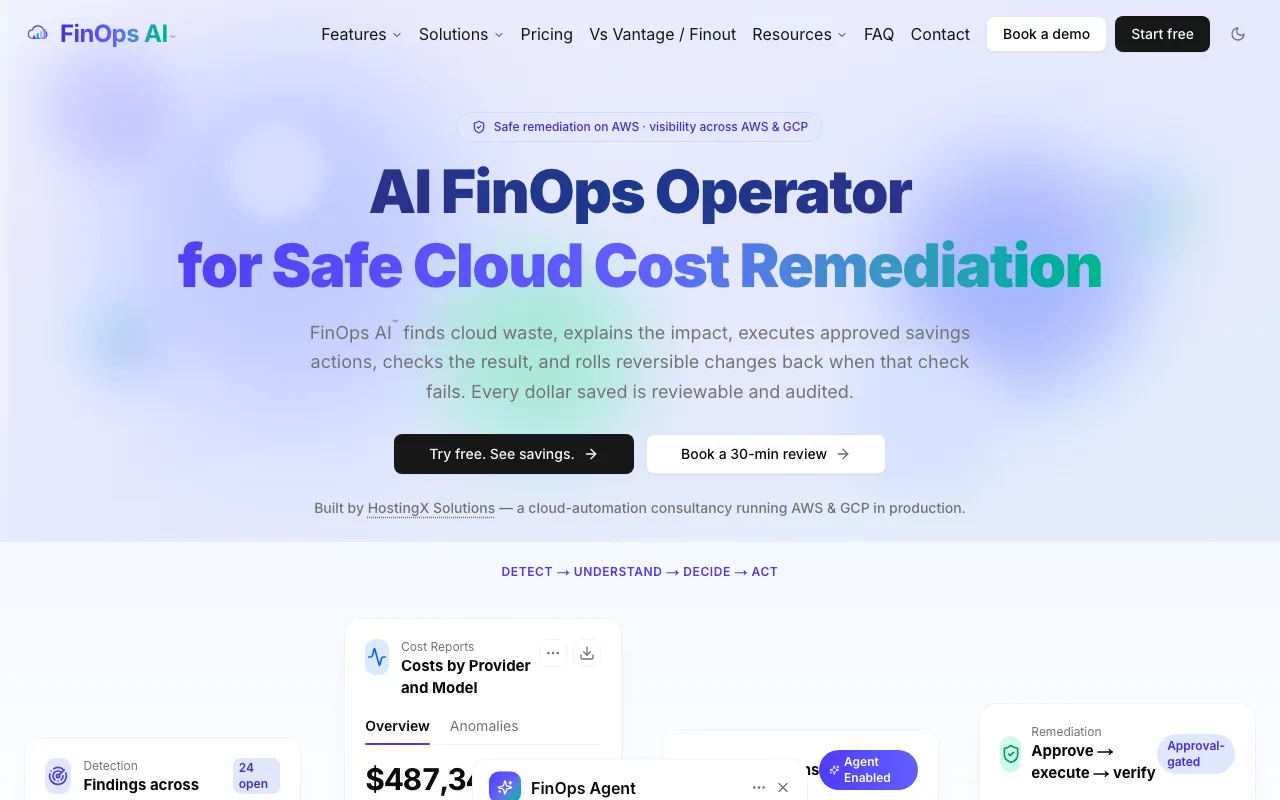
When you are ready to implement a decision, use a controlled workflow. For the AWS findings it can act on, FinOps AI agentic remediation turns a finding into a typed, scoped change: a workspace owner or admin approves it (or, for a reversible action type, the workspace has turned on automatic execution), the account's production block and any workspace guardrails, such as a cap on how many changes run in a period, are checked before it runs, and a post-action check confirms that AWS accepted it. That covers changes such as deleting an unattached EBS volume or stopping an idle EC2 instance, not logging configuration. A reversible change that fails its check is rolled back automatically, and a ledger records the estimated monthly saving of a stop or deletion.
Be aware of the multi-cloud boundaries. While FinOps AI provides visibility and context across Google Cloud, GCP remediation remains manual. Changes to Google Cloud Log buckets, retention periods, or routing sinks require updating your native infrastructure-as-code templates through your existing deployment pipelines. FinOps AI does not change AWS log group retention or log classes either, so make those changes through the same pipelines.
Optimize your logging costs by making deliberate choices about data lifespan and access frequency. Check CloudWatch for indefinite retention settings, audit Google Cloud for duplicate routing destinations, and ensure every infrastructure change passes through an approval gate before altering your operational visibility.
To implement approval-gated cloud cost optimization and secure your remediation workflows across AWS environments, explore the platform at FinOps AI.
Sources
- Amazon CloudWatch Pricing · aws.amazon.com
- Cloud Observability pricing · cloud.google.com
- working with log groups and log streams · docs.aws.amazon.com
- configure log buckets · docs.cloud.google.com
- CloudWatch Log classes · docs.aws.amazon.com
- estimate query syntax · docs.aws.amazon.com
- trace AWS inter-AZ data transfer charges · docs.aws.amazon.com