AWS Idle RDS Instance Cost: Check Before You Act
See what AWS charges for idle or stopped RDS instances, how to check for failover, batch, or seasonal use, and when to stop, downsize, or delete safely.
· 8 min read
An available relational database accrues compute charges every hour it runs, even when your applications stop sending queries to it, because an empty query log does not pause the AWS billing meter. To reduce the AWS idle RDS instance cost on a monthly invoice, decide whether to stop the resource temporarily, downsize its compute class, or delete it entirely. Because a quiet database might be a forgotten test environment, a disaster recovery standby, a month-end reporting node, or a synchronous failover target, this decision carries operational risk. That risk makes it important to verify the database's architectural role before changing the infrastructure.
Cloud cost optimization depends on accurate technical discovery and careful change control. A low-activity finding is a reason to investigate the resource, not an automatic signal to shut it down.
What an Idle RDS Instance Still Costs
For on-demand Amazon RDS instances, billing separates the compute charge from storage and backup charges. According to the documentation covering on-demand DB instances for Amazon RDS, charges are based on the chosen DB instance class and begin when the instance becomes available; prices are listed per hour, but usage is billed in one-second increments with a 10-minute minimum.
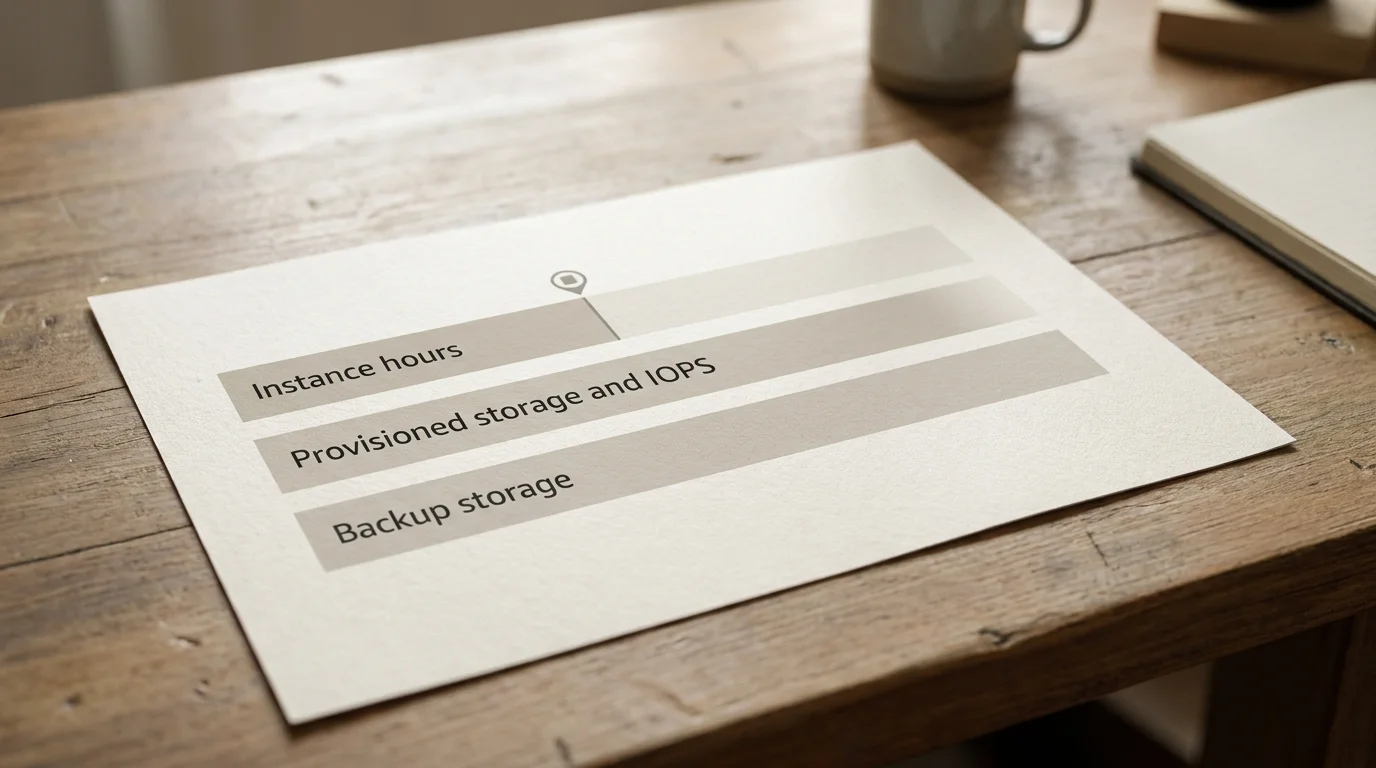
Stopping the instance removes that hourly compute charge, but the storage meter continues running. Provisioned storage volumes, provisioned IOPS charges, backup storage and, for a publicly accessible instance, its public IPv4 address remain billable while the compute layer sits paused. Manual snapshots and automated backups retained within the retention window continue to add to your monthly total, so a database with a large storage footprint generates a substantial bill even when the engine is shut down.
Deleting the instance does not automatically erase those final snapshots or retained backups either. Because you cannot rely on a universal monthly estimate for a low-activity database, calculate the specific engine, instance class, AWS Region, deployment type, and backup footprint using the AWS Pricing Calculator. Comparing the running cost against the paused storage cost shows the potential savings.
FinOps AI flags RDS instances in a few r5 and t3 classes whose CPU stayed under 15% over a 7-day lookback and suggests a smaller class, but that finding comes with no automated change: FinOps AI does not resize or delete a database, and no finding proposes stopping one, so the decision and the change stay with the database owner. Where it can act, on a short list of AWS findings such as idle EC2 instances, a change needs a workspace owner's or admin's approval unless the workspace has turned on automatic execution for that reversible action type; a deletion always waits for a person, and every change is recorded in an audit trail. Google Cloud is covered for cost and usage visibility only.
Check the Database's Role Before Calling It Idle
Utilization metrics reveal current connection activity rather than architectural purpose. Because a flatline graph indicates only that clients are not sending network queries at that moment, inventory the account, engine type, environment, and replica relationships before interpreting it as waste.
A traditional Multi-AZ DB instance deployment maintains a synchronous standby in a different Availability Zone to handle automatic failover. This standby does not serve read traffic and is not listed as a separate DB instance with metrics of its own, yet compute and storage are billed for both the primary and the standby. AWS notes this specific failover configuration can cost approximately twice as much as a Single-AZ deployment. Multi-AZ DB clusters operate differently by using reader instances that accept application traffic, requiring you to confirm your exact deployment type before assuming a quiet node serves no purpose.
Read replicas complicate the usage picture further. These secondary nodes support cross-Region reporting, read-heavy analytical workloads, or disaster recovery plans, and they are billed as standard DB instances that might sit unused until a specific geographic region experiences an outage. If you delete a source primary database without first deleting its same-Region read replicas, AWS promotes those replicas to standalone instances. This deletion could accidentally create multiple independent, billable primary databases operating in isolation.
Confirm failover plans and application dependencies with the service owners before treating a quiet resource as a quick cost win. Broad infrastructure visibility requires cross-referencing multiple signals. Just as the BigQuery Omni approach to multi-cloud log analytics addresses log collection, storage, and querying, database cost reduction depends on understanding the architectural role of every node.
Read Metrics Against the Full Workload Cycle
Identifying candidates for removal requires evaluating the data across a timeline that matches the business cycle, meaning a quiet observation window serves as an initial screening signal rather than definitive proof.
Combine Connections With CPU and Read/Write Activity
CloudWatch counts client network connections in the DatabaseConnections metric, but the metric excludes some database sessions. Sessions created by the database job scheduler do not register in this count. So a zero value on the connection chart does not prove that the database engine is inactive, because the metric also omits sessions created by the engine for its own purposes or for parallel execution, as well as sessions whose network connection has ended but which the database has not cleaned up.
Cross-check client connections with CPU utilization and storage read/write operations. AWS Compute Optimizer looks for a combination of zero connections, low CPU, and low disk activity when identifying unused RDS for MySQL and PostgreSQL instances, and the tool requires that the instance is not functioning as a read replica before flagging it. For Aurora MySQL and Aurora PostgreSQL, Compute Optimizer applies the same connection, CPU, and read/write tests, but it excludes instances in a secondary cluster of an Aurora Global Database rather than read replicas.
Older AWS Trusted Advisor checks flagged databases with zero connections over seven days, but that legacy check is being replaced by Cost Optimization Hub recommendations. Avoid using a single metric as an automated deletion rule, since assessing a database based solely on missing network connections will eventually break a scheduled internal workflow.
Match the Lookback to Workload Timing
Compute Optimizer defaults to a 14-day lookback period when no specific preference is set. A two-week window helps surface candidates for review, but it never serves as an AWS safe-delete threshold, and telemetry must always be compared against the business calendar.
A database might support an external batch schedule that runs every third week to process supplier invoices, handle month-end financial reconciliation, perform quarterly compliance reporting, or manage seasonal e-commerce demand. Confirm with the engineering owner that the metric observation period accurately covers the workload's normal recurrence. Dealing with low-activity nodes requires the same caution as trying to find and safely delete unattached EBS volumes in AWS. The technical signal points you in the right direction, and the business context confirms whether the resource is abandoned.
FinOps AI's oversized-RDS finding is based on CPU alone, so it cannot tell a quiet month-end database from a retired one. The checks above, and the decision to stop, resize or delete the instance, remain yours.
Choose the Least-Risky Cost Action
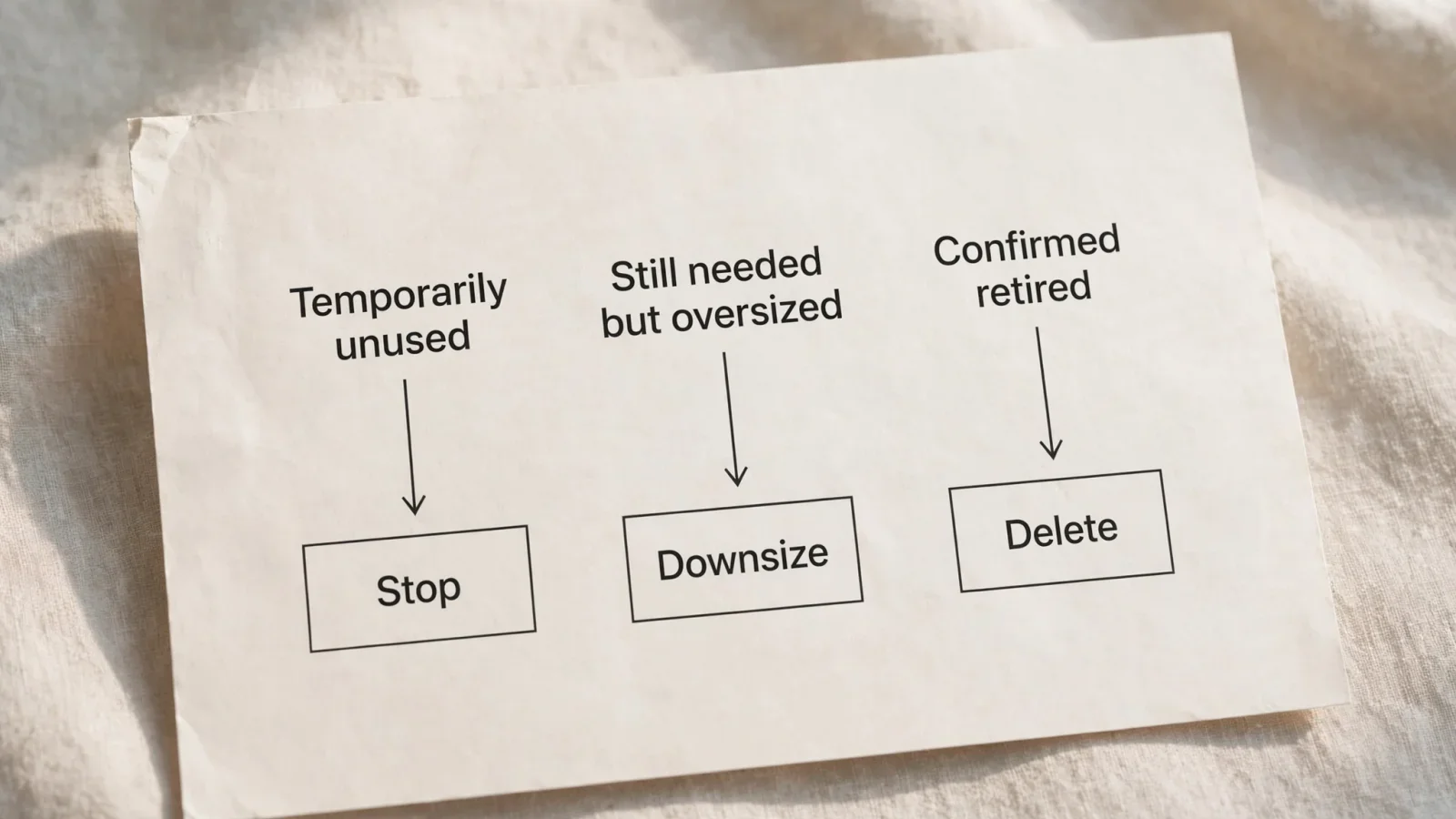
Choose your remediation action based on whether the database is temporarily unnecessary, still needed but oversized, or permanently retired. Metric flatlines inform the investigation, but the business requirement dictates the action.
| Remediation Action | Best Use Case | Cost and Operational Impact |
|---|---|---|
| Stop | The database is temporarily unnecessary and its configuration supports stopping. | Removes instance-hour charges. Storage and backup charges remain. AWS automatically restarts the instance after seven consecutive days. |
| Downsize | The database is still needed, but evidence proves the current class is larger than the workload requires. | Reduces the hourly compute rate. Changing the instance class causes downtime while the engine reboots on new host hardware. |
| Delete | The database is confirmed retired, dependencies are mapped, and the recovery plan is approved. | Eliminates compute charges entirely. Retained automated backups and manual snapshots may still incur storage costs. Cannot be canceled once started. |
Stop a Temporarily Unneeded Instance
Stopping pauses the instance-hour charges while preserving the configuration, network attachments, and storage volume. Storage and backup costs remain active, and RDS automatically starts a stopped instance after seven consecutive days so that it does not fall behind on required maintenance updates. Stopping is therefore a temporary pause, not a way to archive an idle instance.
The StopDBInstance API documentation says the command does not apply to Aurora MySQL or Aurora PostgreSQL; for Aurora clusters, AWS directs users to stop the cluster with StopDBCluster instead. That note also excludes RDS Custom. The RDS User Guide does list RDS Custom for SQL Server among the engines that can be stopped, in a Single-AZ configuration only, but an RDS Custom for Oracle instance cannot be stopped, and its billing cannot be paused.
Downsize a Database That Still Needs to Run
Changing the DB instance class reduces the hourly rate for a database that is oversized for its query volume. Modifying the instance class causes downtime, because the database engine must shut down and restart on the new underlying host hardware.
In a Multi-AZ deployment, AWS minimizes this disruption by upgrading the standby first, forcing a failover, and upgrading the former primary, though a brief interruption still occurs during the failover event. Test class modifications in a staging environment first to verify application reconnection logic, and schedule the production change with the service owner during an approved maintenance window to limit application disruption.
Delete Only a Confirmed-Retired Database
Deletion requires confirmed retirement, verified dependency checks, and a documented recovery plan. The DeleteDBInstance operation cannot be canceled or reverted once the process begins.
Automated backups are deleted along with the instance unless you explicitly configure the API call to retain them. Final manual snapshots are independent of automated backups and remain in the account, continuing to incur storage charges until an administrator manually purges them. Decide on a final snapshot strategy and automated-backup retention period before initiating the deletion command.
Make Approval and Verification Part of the Savings
Database remediation succeeds when rigorous verification brackets the infrastructure change. Identify the exact resource, its owner, its replica relationships, and its downstream dependencies. Compare multiple technical signals against the known business recurrence schedule to rule out seasonal workloads.
Select the least destructive action that fits the workload requirements, whether that involves downsizing a needed but oversized database, stopping an eligible database that is unused overnight, or deleting a database that the business explicitly confirms is retired. Obtain formal owner approval, agree on snapshot retention policies, and confirm the timing of the maintenance window.
Validate the action afterward by checking application connectivity and database health logs, and check the billing console to confirm the expected cost reduction appears. Database remediation needs its own rollback plan: rollback applies only to reversible actions like downsizing or stopping when post-action checks fail, and deletion is permanent, so test backup restoration procedures beforehand.
FinOps AI gives cloud finance, platform engineering and DevOps teams one workspace for AWS, Google Cloud, AI and Kubernetes costs. For a set of AWS findings it goes past the dashboard to typed, approval-gated changes: account-level safety rules apply, owners and admins approve in the app or in Slack, and a reversible change is rolled back automatically if its post-action check fails. Start optimizing your cloud environment safely at getfinops.cloud.
Sources
- on-demand DB instances for Amazon RDS · docs.aws.amazon.com
- the BigQuery Omni approach to multi-cloud log analytics · cloud.google.com
- the metric excludes some database sessions · docs.aws.amazon.com
- find and safely delete unattached EBS volumes in AWS · docs.aws.amazon.com
- StopDBInstance API documentation · docs.aws.amazon.com
- DeleteDBInstance operation cannot be canceled · docs.aws.amazon.com
- Starting and stopping an RDS Custom for SQL Server DB instance · docs.aws.amazon.com
- RDS Custom for Oracle requirements and limitations · docs.aws.amazon.com